I’m a full stack developer documenting what I learn through writing and code.
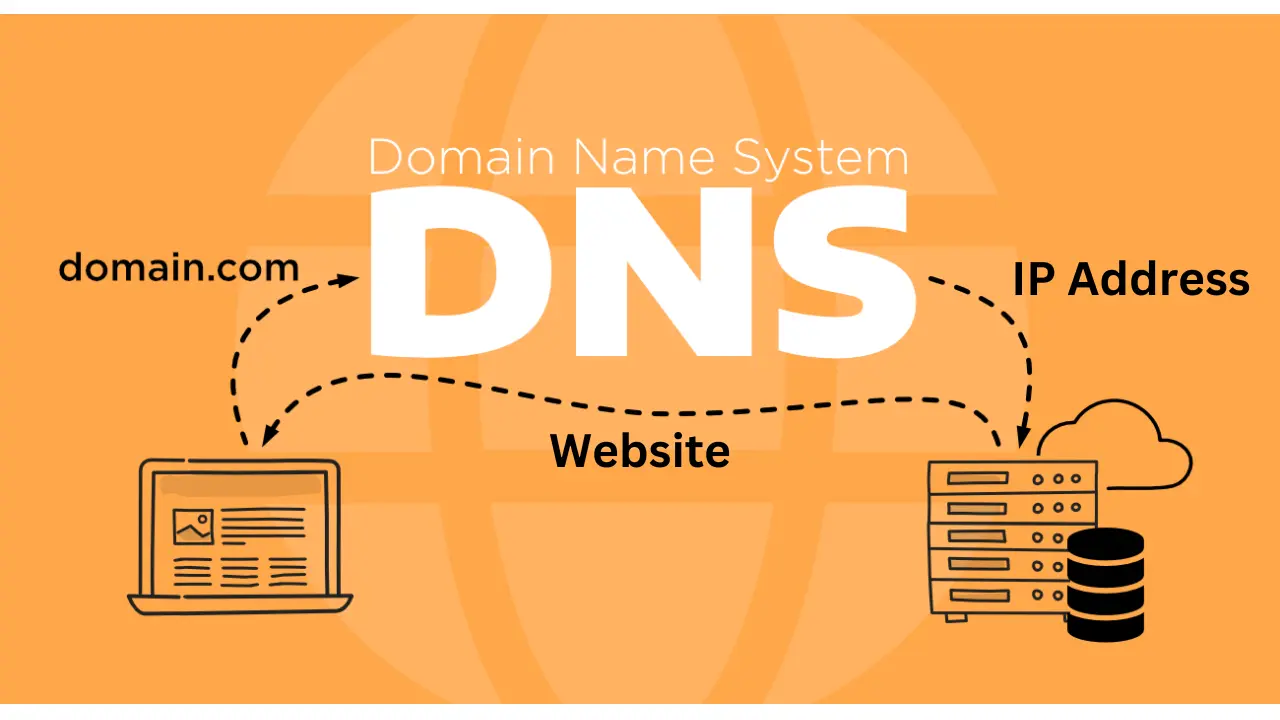
DNS can be thought of as the internet's phone book, translating human-friendly domain names into numerical IP addresses. It's like when you want to call a friend; you don't need to remember their phone number, you just enter their name in your phone book to call them.
Similarly, with DNS, you don't need to remember all the IP addresses. You can simply type the domain name to access the website.
How DNS works
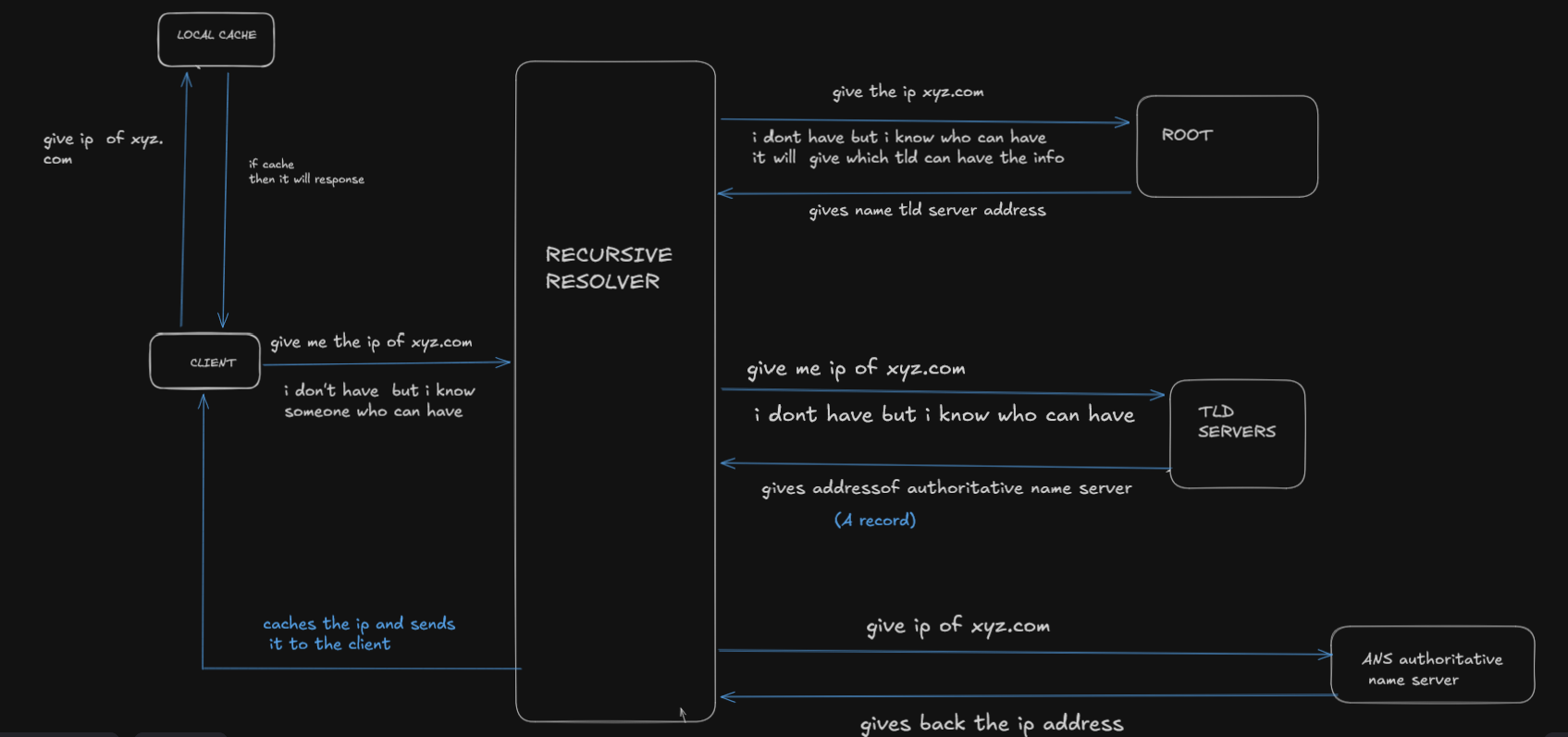
When you type a domain name into your browser, the browser first checks its local cache to see if it already knows the corresponding IP address. If the IP address is found, the request is resolved immediately.
If the IP address is not found locally, the browser sends the request to a recursive DNS resolver (usually provided by the ISP or a public DNS service).
If the recursive resolver does not have the answer cached, it begins a DNS lookup process:
The resolver queries a root name server, asking which server is responsible for the
.comTLD.
The root server does not know the IP address but returns the TLD name servers.The resolver then queries the TLD server (for example,
.com), asking which name servers are authoritative forxyz.com.
The TLD server responds with the authoritative name servers for the domain.The resolver then queries the authoritative name server, which contains the actual DNS records.
The authoritative server responds with the IP address ofxyz.com.
The recursive resolver caches this response and returns the IP address to the client, allowing the browser to connect to the website.
Different record types in DNS
A Record
The A (Address) record is the fundamental DNS record. It maps a domain name to an IPv4 address.
Example: example.com → 93.184.216.34
AAAA Record
The AAAA record works the same way as an A record, but it maps a domain name to an IPv6 address.
Example: example.com → 2606:2800:220:1:248:1893:25c8:1946
CNAME Record
The CNAME (Canonical Name) record creates an alias for a domain name. Instead of pointing directly to an IP address, it points to another domain name.
Example: student.example.com → CNAME → example.com
When a client queries student.example.com
DNS sees the CNAME record
It resolves example.com
It then returns the IP address from the A or AAAA record of example.com
This allows multiple domain names to point to the same destination without duplicating IP addresses.
MX Record
An MX (Mail Exchange) record directs incoming emails to the appropriate mail servers for a domain
An MX record consists of two components:
Priority – determines the order in which mail servers are tried
Mail server hostname – the server responsible for receiving emails
The lower the priority number, the higher the priority.
When an email is sent, the sending mail server first attempts delivery to the mail server with the lowest priority value. If that server is unavailable, it then tries the next one in order.
| test.com | record type | priority | value | TTL |
| @ | MX | 10 | mailhost1.test.com | 3600 |
| @ | MX | 20 | mailhost2.test.com | 3600 |
TXT Record
TXT (Text) records are DNS records that allow domain owners to add arbitrary text data to their DNS configuration.
These records are not visible on the website, but they play a crucial role behind the scenes. TXT records are commonly used for:
Domain ownership verification
Email authentication
Security policies
They are widely used by systems such as SPF, DKIM, and DMARC to verify that emails sent from a domain are legitimate.
NS Record
NS (Name Server) records specify which name servers are authoritative for a domain. They tell the internet where the DNS records for a domain are stored.
NS records act like directories, pointing DNS resolvers to the name servers that contain the actual DNS records for the domain.
When a DNS resolver needs information about a domain, it uses the NS records to know which servers to query for authoritative answers.